SourceZH
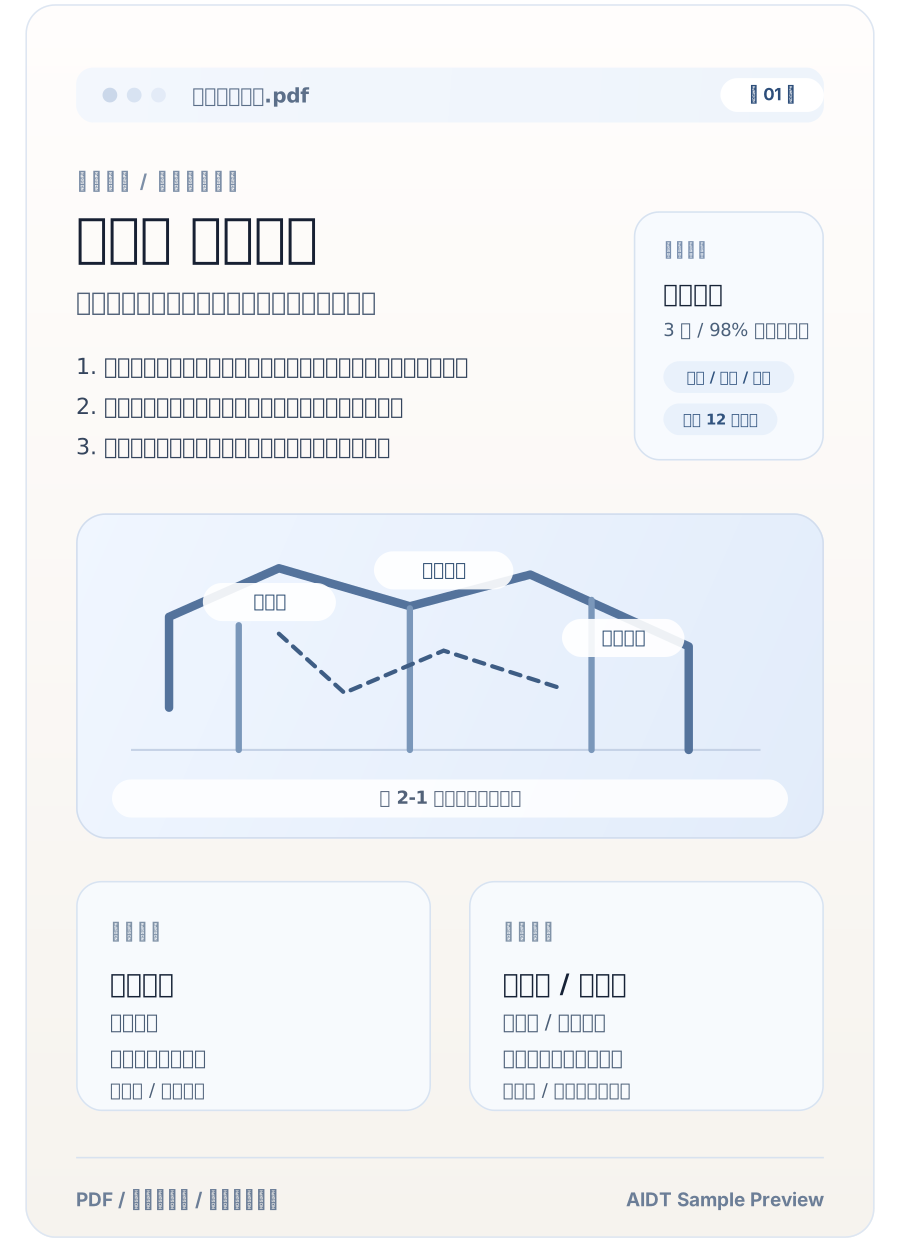
Built for contracts, manuals, papers, and reports.
Supports PDF, Office, and scanned files
Bilingual review and online editing
Export translated or bilingual output
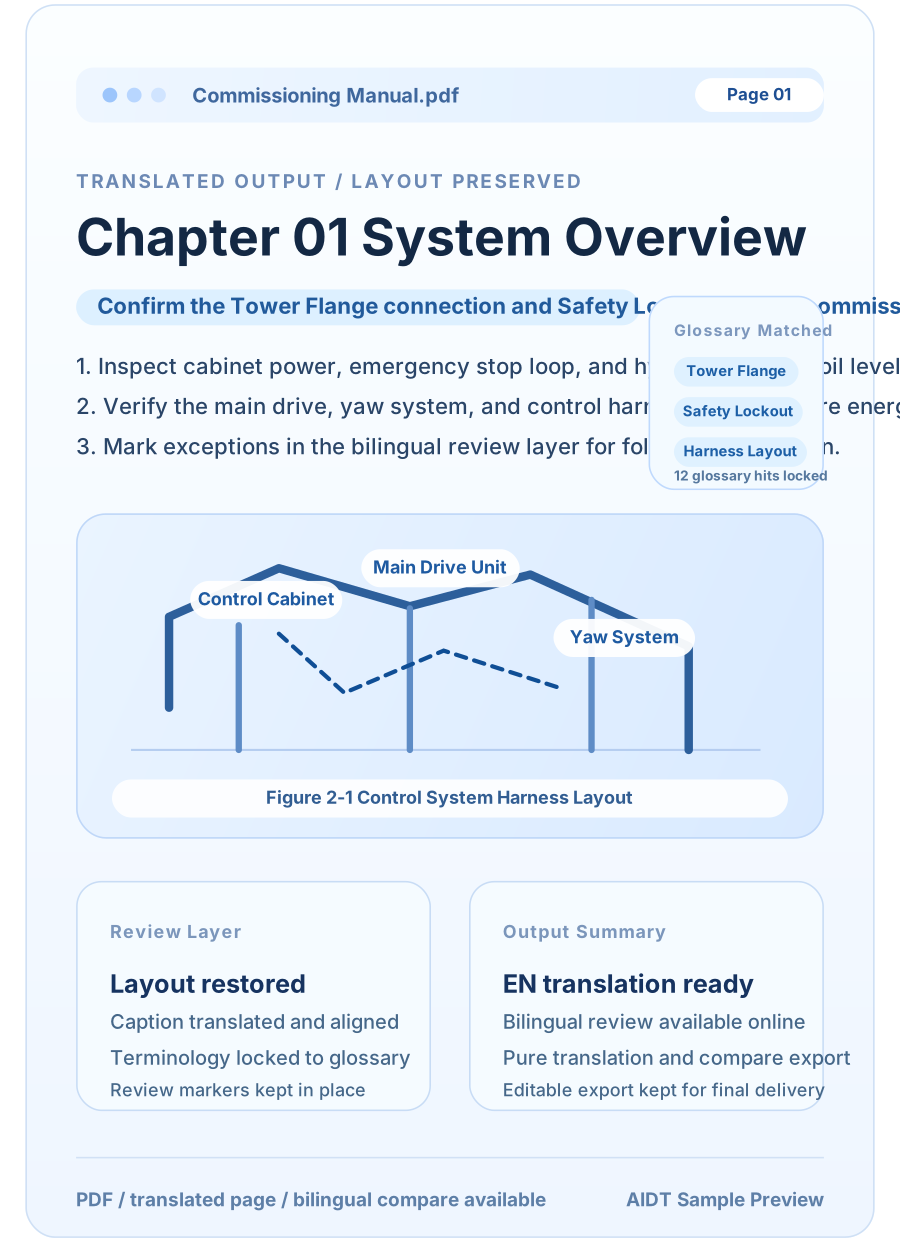
Built for formal documents that need quick review and delivery.
Translated PDF, Word, PPT, and Excel files stay closer to the original structure, tables, and page layout.
Check the bilingual result, adjust wording online, and avoid sending files back and forth.
Download translated or bilingual output directly after review.
Cover formal files, reference materials, scans, and OCR image inputs.
OCR helps recover structure for contracts, papers, and archived materials.
Upload common office files directly without manual copy and paste.
Handle EPUB, TXT, and image-based materials in one place.
Reduce inconsistent brand names, product names, and domain terms.
Keep brand names, product names, people, and technical terms aligned with your own wording.
Reduce the chances of the same term being translated differently in one document.
Online edits flow back into the exported result automatically.
Preview, edit online, and export from the same flow.
PDF, Word, PPT, Excel, and scanned files can all be uploaded directly.
Review the expected usage and file recognition result first.
Download translated or bilingual output after review.
Check the estimate first so you know what to expect before translation starts.
Covers formal materials, technical documents, and explanatory files.
Good for structured documents that need careful formatting and bilingual review.
Works well for image-heavy or table-heavy documentation.
Useful when you need to read, revise, and share formal material quickly.
Clarify formats, wording consistency, export, and usage before getting started.
PDF, DOCX, PPT, PPTX, XLSX, EPUB, TXT, and OCR images are supported.
Yes. Brand names, people, product names, and technical terms can follow your preferred wording.
Yes. You can revise it online and export the updated result directly.
Yes. The system shows the expected usage and file recognition result before translation starts.
Upload the file, review the estimate, edit online, and export translated or bilingual output.
Upload PDF, Word, PPT, Excel, and scanned documents directly.
Adjust the translated content before you export it.
Download translated or bilingual output depending on your need.